Guides
Straight talk on livestream creator production toolkit
A livestream toolkit is chosen by the show, not the catalog. Pick capture, switching, audio, lighting and network gear that fit how you actually stream.
What to take away
- Buy in this orderaudio, then lighting, then camera, then switching. Viewers forgive soft video and leave over bad sound.
- OBS Studio is free and runs on Windows, macOS and Linux. Streamlabs Desktop is free with paid Ultra tiers. Both accept the same capture cards and mics.
- A wired ethernet run beats any Wi-Fi extender. Check your upload speed before you buy a camera.
- Every paid mention needs a clear disclosure in the stream and in the video description. The FTC endorsement guides apply to live reads.
- Keep sponsor invoices, platform payout statements and equipment receipts together. The IRS records page explains what to keep and for how long.
This guide to a livestream creator production toolkit covers creator-business information, not individualized advertising, tax, contract or legal advice. Platform terms, endorsement rules and tax treatment depend on your sponsor, your location and your deal, so check current terms and use a qualified professional for material agreements.
What the show actually needs
The gear list starts with the format, not the budget. A talking-head interview needs one good microphone per person and a camera that stays put. A Shure SM7B or Audio-Technica AT2020USB+ fits a seated host; a Sony ZV-E10 or Canon EOS R50 on a tripod handles the picture.
Match gear to your stream format
What is your stream format?
Talking-head interview -> one mic per person, fixed camera
Gameplay channel -> capture card, second monitor, audio routing
A gameplay channel needs a capture card, a second monitor and a way to route game audio away from the mic. Elgato HD60 X ($199.99 typical) or AVerMedia Live Gamer Ultra ($249.99 typical) takes console HDMI. A GoXLR or Rode Rodecaster Duo routes chat and game audio.
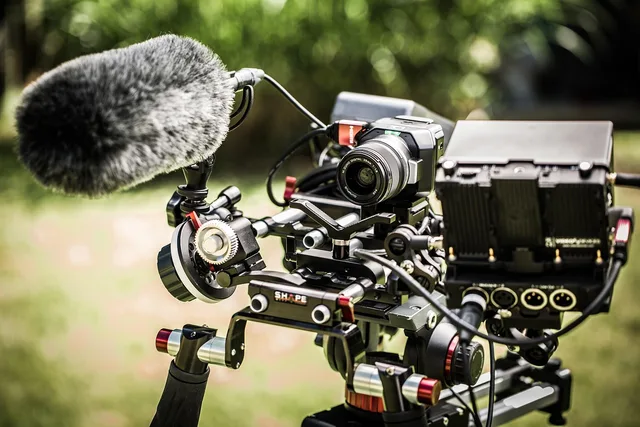
A cooking or workshop stream needs a camera you can move and lights that survive steam, flour or dust. A Logitech Brio 4K ($199.99 list) or Sony ZV-E10 ($698 body only) can move on a boom. The Elgato Key Light Air ($129.99) and Litra Beam ($99.99) wipe clean; a Godox SL60W ($139 typical) needs a covered fixture.
Write down three things before you open a store page: how many people speak on camera, how long a typical stream runs, and whether you stream from one fixed room or move around. Those three answers eliminate most of the catalog.
The core kit, named
OBS Studio is a free, open-source encoder. It handles scenes, overlays, alerts and recording on Windows, macOS and Linux. The OBS Project does not charge a license fee, and plug-ins such as Move Transition and Advanced Scene Switcher stay free.
Streamlabs Desktop does the same job with a friendlier setup wizard and built-in alert themes. The desktop app is free. Streamlabs Ultra costs about $19 per month or $149 per year in the US, and adds themes, support and multistreaming. Check current pricing.
vMix and Wirecast are the paid step up for multi-camera productions with replay and live switching. vMix Basic HD is about $60; vMix 4K is about $350. Wirecast Studio is about $599. Both run on Windows; Wirecast also runs on macOS.
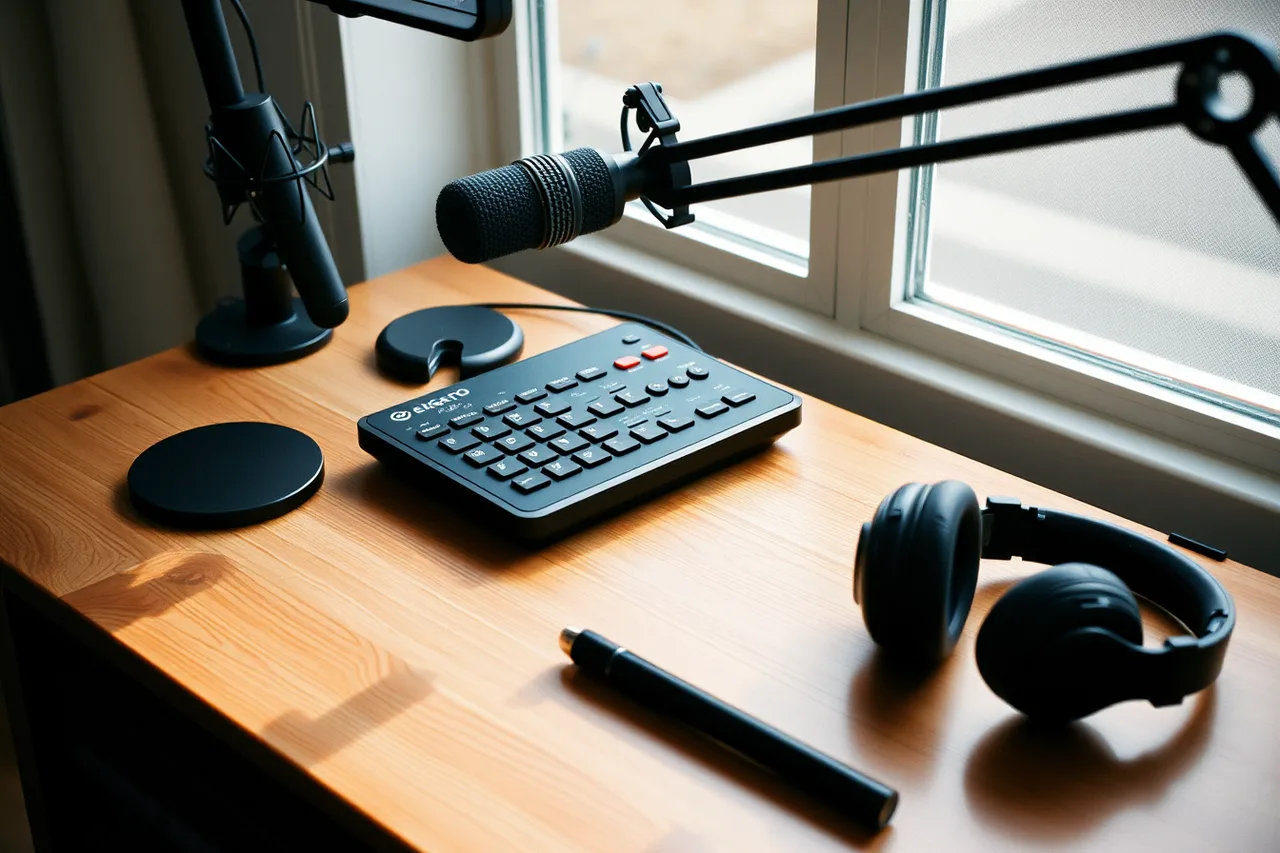
Elgato makes capture cards and Stream Deck controllers for small studios. A capture card takes the HDMI signal from a console or second computer and turns it into a source OBS can read. Elgato HD60 X lists at $199.99; Cam Link 4K lists at $129.99.
The Stream Deck is a row of physical buttons that trigger scenes, mutes and ad breaks without alt-tabbing out of the game. Stream Deck MK.2 lists at $149.99; Stream Deck XL at $249.99; Stream Deck + at $199.99.
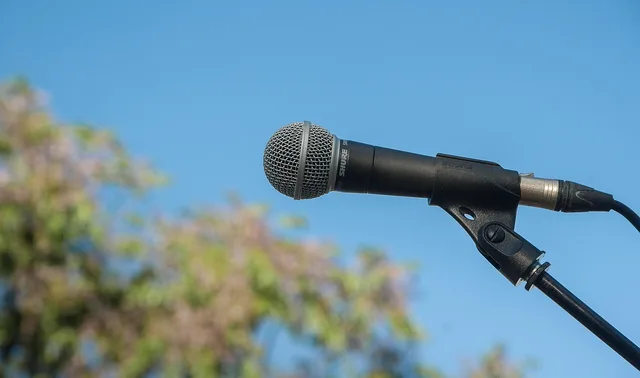
Shure and Audio-Technica cover the microphone end. A dynamic USB or XLR mic on a boom arm rejects room noise better than a headset mic. Shure SM7B is about $399; Shure MV7+ about $279; Audio-Technica AT2020USB+ about $169; ATR2100x about $99.
Rode and Elgato sell the audio interfaces and mixers that let you set levels once and leave them. Rode Rodecaster Duo is about $499; Rode PodMic about $99; Elgato Wave XLR about $149.99; Focusrite Scarlett 2i2 about $199.99.
Elgato Key Light and Logitech Litra are starter lights. Two soft sources at 45 degrees beat one bright panel behind the camera. Key Light lists at $199.99; Key Light Air at $129.99; Litra Glow at $59.99; Litra Beam at $99.99.
| Job | Named option | Typical US price | Who it suits |
|---|---|---|---|
| Encoding and scenes | OBS Studio | Free | Almost everyone |
| Encoding with templates | Streamlabs Desktop | Free, Ultra about $19/mo | New streamers who want alerts fast |
| Console or second PC capture | Elgato HD60 X, Cam Link 4K | $129.99 to $199.99 | Gameplay and co-stream setups |
| Scene control | Elgato Stream Deck MK.2, XL, + | $149.99 to $249.99 | Streams with many scenes or ad breaks |
| Voice capture | Shure SM7B, MV7+, Audio-Technica AT2020USB+, Rode PodMic | $99 to $399 | Anyone whose audio is the product |
| Audio routing | Rode Rodecaster Duo, Elgato Wave XLR, Focusrite Scarlett 2i2 | $149.99 to $499 | Streams with multiple mics or chat audio |
| Key lighting | Elgato Key Light, Key Light Air, Logitech Litra Glow, Litra Beam | $59.99 to $199.99 | Fixed-room talking-head streams |
| Multi-camera switching | vMix, Wirecast | About $60 to $799 | Interviews, events, produced shows |
| Camera | Sony ZV-E10, Canon EOS R50, Logitech Brio 4K | $199.99 to $698 | Talking-head and movable shots |
| Network and power | Cat6 cable, Netgear GS308 switch, CyberPower CP1500PFCLCD UPS | About $10 to $220 | Any fixed studio |
Prices move, so check the vendor page for the current figure rather than trusting a number in an article.
Network, power and the boring failures
Upload speed decides your ceiling. Run a speed test during the hours you actually stream, because evening congestion is real. A wired ethernet run from router to desk is the single highest-value upgrade in most setups. Use Cat6 cable and a Netgear GS308 unmanaged switch, about $20, if one run is not enough.
Set your encoder bitrate below your sustained upload, not at it. If your upload tests at U and you want headroom for chat and uploads, stream at roughly two thirds of U and watch the dropped-frame counter in OBS. A 10 Mbps upload supports about 6,000 Kbps; a 20 Mbps upload supports about 12,000 Kbps.
Put the router, interface and lights on a surge protector or a small UPS. A brownout mid-stream ends the broadcast and can corrupt a recording. A CyberPower CP1500PFCLCD runs about $220; an APC BE600M1 runs about $70. Both give you minutes to end the stream cleanly.
If you stream from a rural area with a data cap, check your provider's published cap and overage terms before you commit to a four-hour schedule. A 1080p60 stream at 6,000 Kbps uses about 2.7 GB per hour, so a four-hour show can pass 10 GB.
Disclosure during a paid stream
A live read is an endorsement. The FTC endorsement guides require that you disclose a material connection clearly, and that your claims be truthful and not misleading. The FTC small business advertising guide covers the same ground for the brand paying you.
Say it out loud when the segment starts, not once at the top of a three-hour stream. Put it in the video description and the pinned chat message. "Paid partnership with X" is clearer than a hashtag nobody reads.
Your workspace habits matter here too. The OSHA safety management page is written for employers, and its point carries over to a home studio: find and fix the hazard before it becomes an injury. Cable runs across a walking path, a hot light near fabric and a monitor at the wrong height are the usual three.
Sponsorship workflow, step by step
- Deal sheet first.Record the sponsor, the deliverable, the fee, the platform and the air date in one document before you accept. No verbal deals.
- Read the contract clauses that bite.Exclusivity, morality and termination clauses decide what you can stream next month. Ask a licensed attorney in your state about anything you do not understand.
- Build the media kit from your own dashboard.Average concurrent viewers, 30-day retention and audience geography come from Twitch, YouTube or TikTok analytics. Do not quote a number you cannot screenshot.
- Run the segment.Disclose at the start, deliver the agreed talking points, and mark the timestamp so you can find it later.
- Report and invoice.Send the sponsor the agreed metrics plus the timestamp link, then invoice on the terms in the contract. Keep the invoice, the payout statement and the contract together.
- Log the income.Sponsorship fees are self-employment income. The IRS records guidance explains which documents support income, expenses and asset purchases, and how long to keep them. A CPA handles the filing itself.
Use a spreadsheet in Google Sheets or a database in Notion to track deal terms and due dates. Send invoices through Wave, FreshBooks or QuickBooks Solopreneur; all three create a paper trail your CPA can use.
If a sponsor pays late, the contract terms and your state's rules govern your options. Name the amount owed, the due date and the clause you are relying on in writing, and take it to a licensed attorney or a collections process rather than improvising.
Where the money leaks
The most common failure is buying a camera before fixing the audio, then buying a second camera to fix the first problem. A $600 Sony ZV-E10 through a $99 headset mic sounds worse than a $129 Logitech Brio with a $99 Audio-Technica ATR2100x.
The second is underpricing a deal: if the fee F does not cover your production cost C plus your time T at a rate you would accept, the deal loses money. Work out F against C plus T before you sign.
A two-hour sponsored stream with a $300 gear rental, $50 software and 10 hours at $50 per hour needs a fee above $850.
The third is cash-flow timing. A sponsor that pays net 60 against a monthly production cost means you fund two months of gear, software and time before the first check lands. Keep a buffer sized to your own numbers.
The fourth is idle gear. A second camera, a switcher or a lighting rig that sits unused still costs storage, insurance and attention. Rent or borrow before you buy anything you will use less than monthly. LensRentals and BorrowLenses rent cameras and lenses by the day; a local camera shop may rent lights.
Before you commit to a purchase, work through the livestream creator production setup checklist so the gear matches the show you actually run.
Common questions
Do I need a capture card if I only stream from one PC?
No. A single-PC setup sends the game or desktop straight into OBS. A capture card earns its place when a console or a second computer has to feed the stream, or when you want the game running at full frame rate on its own machine. An Elgato HD60 X lists at $199.99; a Cam Link 4K lists at $129.99.
Is free software good enough for a sponsored stream?
OBS Studio and the free tier of Streamlabs Desktop handle scenes, alerts, recording and disclosure overlays. Paid tools like vMix and Wirecast add multi-camera switching and replay. The sponsor cares about the segment and the report, not which encoder produced it. OBS is free on Windows, macOS and Linux; vMix Basic HD is about $60.
How do I prove my audience numbers to a brand?
Pull average concurrent viewers, 30-day retention and geography from the platform dashboard and screenshot them with the date visible. Sponsors ask for what the platform already measures. Anything you cannot screenshot, do not quote. Twitch, YouTube Studio and TikTok Analytics all show those figures.
What records should I keep for gear and sponsor income?
Keep purchase receipts, warranty documents and repair records. Also keep sponsor contracts, invoices and payout statements. The IRS records page sets out the categories and retention periods. A CPA in your state can tell you how they apply to your business. Store digital copies in Google Drive, Dropbox or a local drive you back up.