Guides
Choosing livestream creator production tools by the failure you cannot afford
A failure-first guide to livestream production tools: what to buy or back up for an encoder crash, upload loss, bad audio, a dropped scene switch and power loss, with named gear and sponsor notes.
What to take away
- Pick tools by the failure you cannot afford on stream, not by a ranking. Name the failure first, then buy the fix or the backup.
- Encoding and switching are separate jobs. OBS Studio or Streamlabs Desktop handles one camera; vMix, Wirecast or an ATEM Mini handles several.
- Audio problems often drive viewers away faster than soft picture, so budget the Rodecaster Pro or Shure MV7 before the second camera.
- Free software costs you time, paid software costs you money, and hardware costs you both once. Write the number down before you buy.
- Any claim you make about gear during a paid stream is an advertising claim, and a sponsor relationship must be disclosed.
This article covers production choices, not individualized advertising or tax advice. Endorsement rules come from the FTC.
Start with the failure, not the gear list
A creator asks which camera to buy. The better question is which failure ends the stream. Three end most streams, as the chart below shows: the encoder dies, the audio is unusable, or the switch between scenes drops the feed. Two more deserve a backup: upload loss and power loss. Each has a fix and a backup. The production setup guide walks through the full checklist.
Which failure ends the stream?
Which failure ends the stream?
Encoder dies -> fix encoding
Audio unusable -> fix audio
- The encoder dies or overloads. Fixkeep the scene count small and the plugins few, and test a full-length stream before a sponsor segment. Backup: a second laptop with OBS Studio already configured, plus a local recording running throughout so the content survives even if the live feed fails.
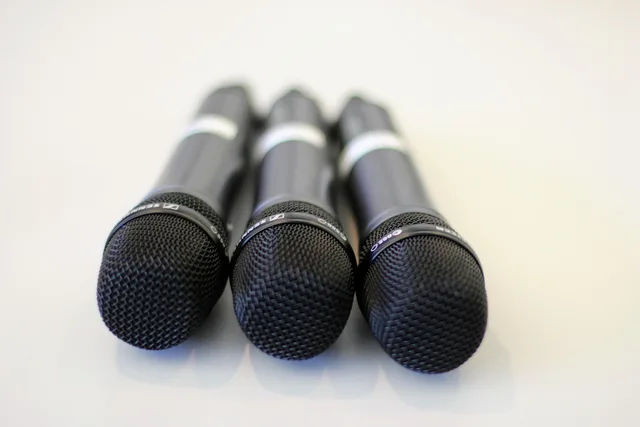
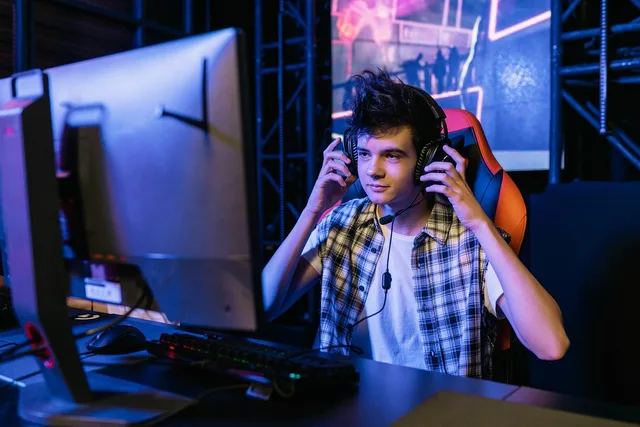
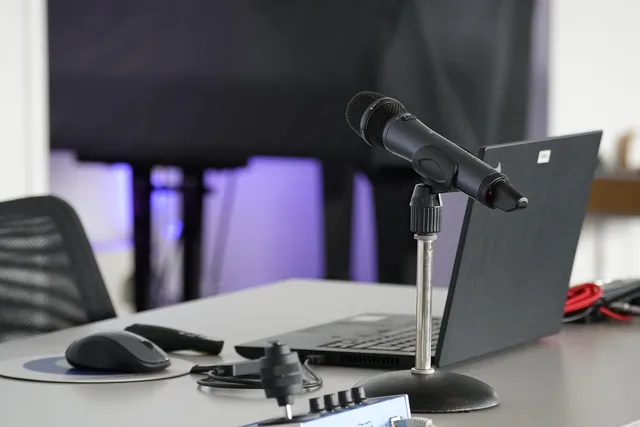
- The audio is unusable. Fixa dynamic mic, which rejects room noise, such as the Shure MV7, with headphones to monitor it. Backup: a second recording of the audio on a separate device.
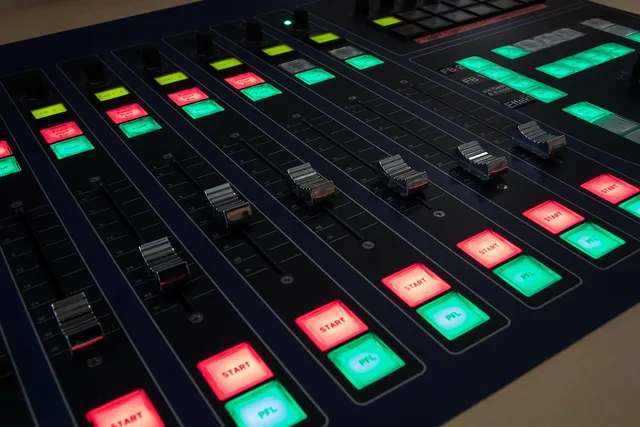
- The scene switch drops the feed. Fixmove switching into a hardware switcher such as the ATEM Mini, or run scene changes from a button pad such as the Elgato Stream Deck. Backup: practice every transition on a private test stream.
- The internet upload drops. Fixuse wired Ethernet, never Wi-Fi, and set a bitrate well below your tested upload speed. Backup: a phone hotspot or second connection ready to switch to. Rural creators should read the notes on upload limits.
- The power fails. Fixa battery backup (UPS) on the computer, router and switcher. Backup: a laptop on battery for the encoder.
Write your own list before you open a shopping page. Rank them by what a failure would cost you. A failed stream can mean a make-good for a sponsor, so check what delivery your contract promises. See what to check in a sponsorship contract.
Capture and encoding
OBS Studio is free and open source, runs on Windows, macOS and Linux, and does the encoding, scene switching and recording most solo streams need. Its cost is configuration time. It also records locally while it streams, which is your cheapest backup.
Encoding software options
OBS Studio
- Cost
- Free
- Platform
- Win, macOS, Linux
- Setup
- Config time
- Best for
- Solo streams
Streamlabs Desktop
- Cost
- Subscription
- Platform
- Desktop
- Setup
- Pre-wired
- Best for
- Hosts paying
Restream / StreamYard
- Cost
- Browser-based
- Platform
- Browser
- Setup
- Fast setup
- Best for
- Multi-platform, guests
Streamlabs Desktop is built on the same engine with themes, alerts and overlays already wired in. It has a free version and an optional paid subscription, and suits hosts who would rather pay than build scenes from scratch.
Restream and StreamYard are browser-based. Restream sends one feed to several platforms at once, which can also ease upload load. StreamYard is built for guest interviews and runs in a browser. Both trade control for setup speed.
Switching and hardware control
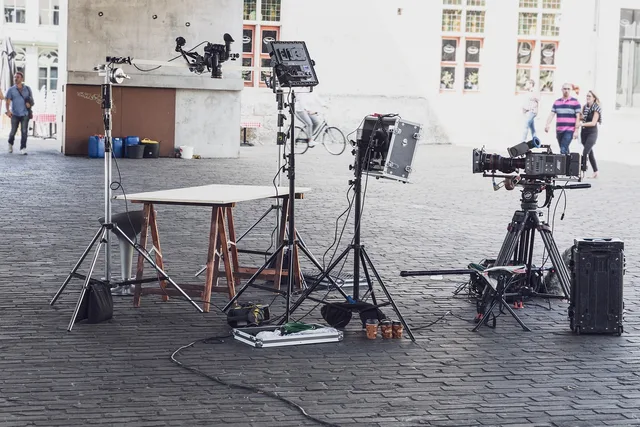
vMix and Wirecast are paid desktop switchers for multi-camera shows, with input counts and output formats set by licence tier. Check the current tier list on each vendor's site before you commit.
The Blackmagic Design ATEM Mini is a hardware switcher: cameras plug in, one USB output goes to your computer, and the computer sees a webcam. It takes switching load off the CPU, which matters when the encoder is already working. The ATEM Mini Pro was listed at about US$295 in recent price checks.
Elgato Stream Deck is a button pad that fires scenes, mutes and overlays, and removes the alt-tab that costs you seconds of dead air. The MK.2 list price is about US$150.
Cameras, audio and post
Sony Alpha and Canon EOS mirrorless bodies are the common step up from a webcam. Both need a clean HDMI output and, on many models, a dummy battery for long streams. Confirm both on the specific body before buying.
The Rodecaster Pro is a mixer and recorder for multiple mics and call-ins; the Pro II was listed from about US$530 to US$700 at recent retailers. The Shure MV7+ is a USB and XLR dynamic mic that rejects room noise, at roughly US$270 to US$300. Elgato Wave sits between them: one mic, software mixing, a lower price. Retail prices move, so confirm before buying.
DaVinci Resolve edits and grades the recording afterwards. The free version covers most creator work; the Studio version is a paid licence.
What you may and may not say on stream
A paid segment is advertising. Claims must be truthful and supported, and a material connection to a sponsor must be disclosed. The FTC's Endorsement Guides (16 CFR Part 255) set the rules, and the FTC livestream sponsorship disclosure guide explains what a host should say on air. Keep gear statements to your own experience.
Worked example: a two-camera upgrade
Suppose your current stream is one webcam and a USB mic, and you want two cameras and a guest.
| Item | Job | Cost model |
|---|---|---|
| OBS Studio | Encode, switch, record | Free |
| ATEM Mini | Hardware switching | One-time hardware price |
| Second camera | Wider shot | One-time hardware price |
| Rodecaster Pro | Two mics, call-ins | One-time hardware price |
| Stream Deck | Scene buttons | One-time hardware price |
Add the one-time prices, then divide by the number of sponsored streams you expect in the next twelve months. For example, with assumed round prices of $300 for the switcher, $700 for the camera, $600 for the mixer and $150 for the button pad, the total is $1,750. Over 12 sponsored streams, that is about $146 per stream. These are assumptions for the arithmetic, not quotes.
If the per-stream figure is higher than the fee for one sponsored segment, buy one item this quarter and the rest after the next deal closes. Start with the item that removes your costliest failure from the list above.
Common questions
Do I need paid software if OBS is free?
No. OBS Studio encodes, switches and records, and most solo streams never outgrow it. Paid tools buy convenience, multi-camera headroom or browser-based guest handling, not permission to stream.
Which single purchase improves a stream most?
Audio is often the best first buy. A dynamic mic such as the Shure MV7 or a mixer such as the Rodecaster Pro removes room noise and level swings that viewers notice immediately. Picture quality is more forgiving.
Can I say a sponsor's gear is the best I have used?
Only if it is true for you and you disclose the paid relationship. The FTC holds both the sponsor and the creator responsible for claims that mislead, so keep the statement to your own experience.
What is the cheapest backup?
A local recording. OBS Studio can record to disk while it streams, so a dropped connection does not lose the content. For a sponsor deliverable, tell the sponsor what happened and offer a replacement segment.